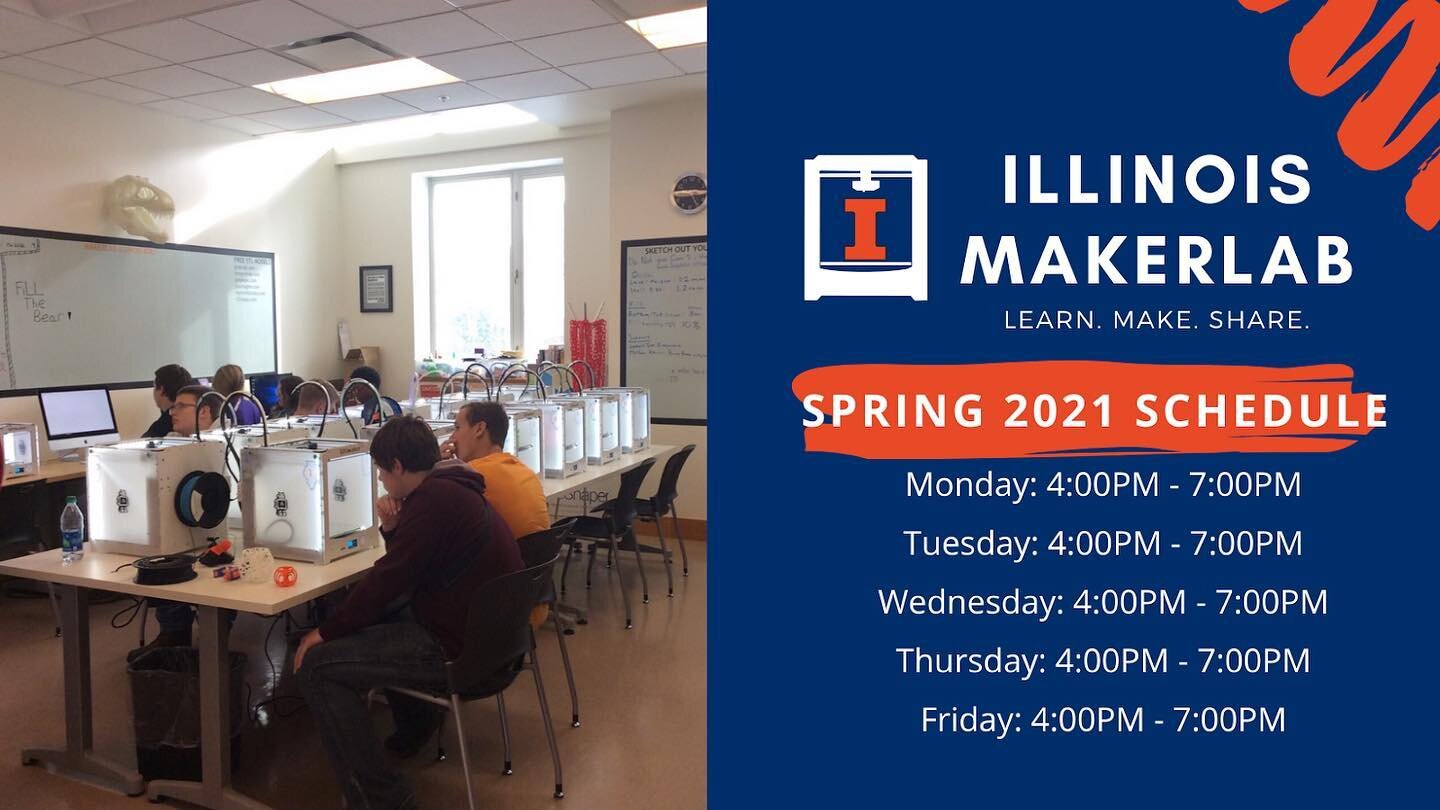
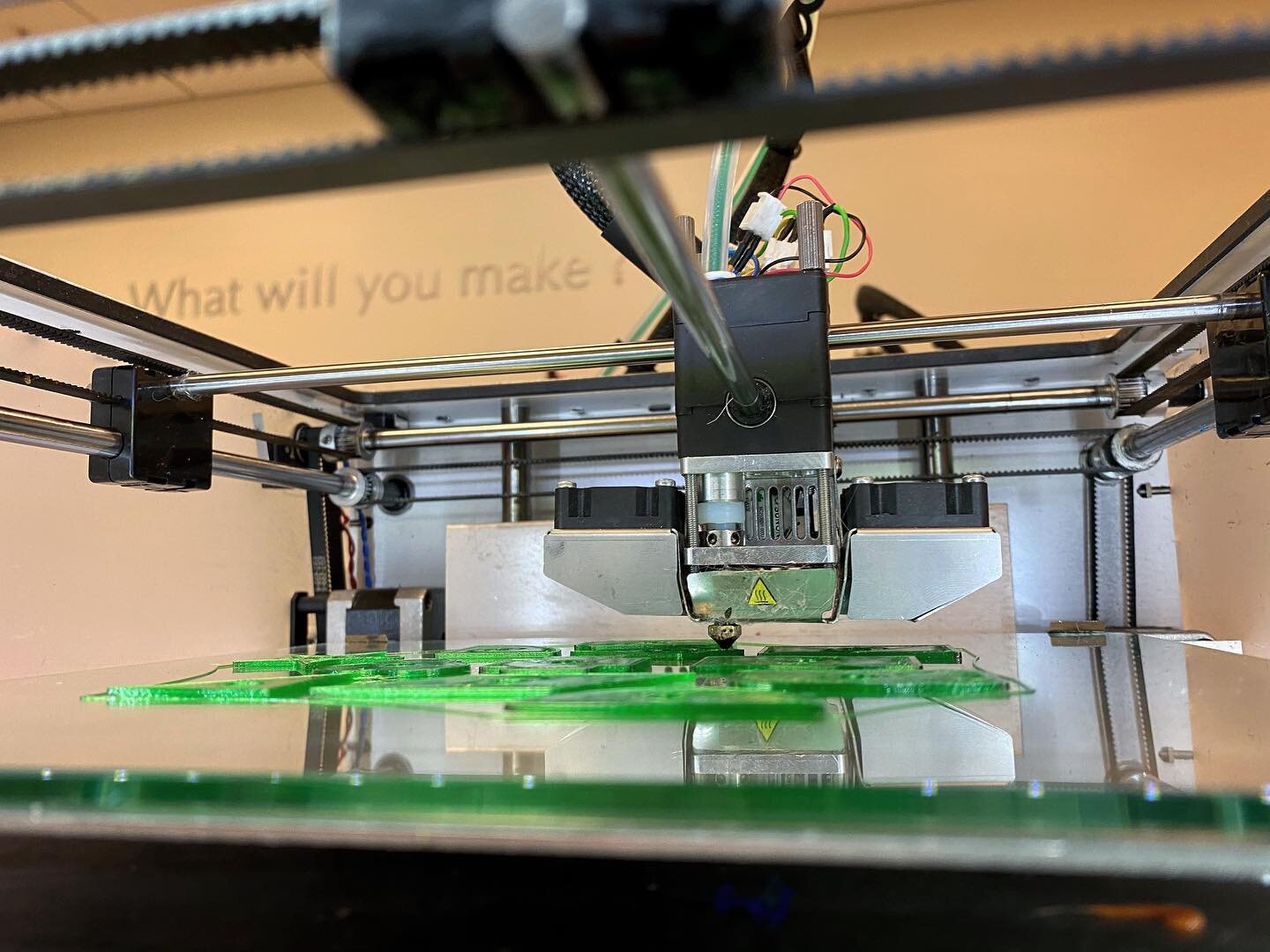
The MakerLab team presented on a new approach to learning, Learning by Making, at the Faculty Summer Institute 2013. The conference attracts faculty from schools across Illinois, who are interested in new approaches in teaching and learning. Dr. Aric Rindfleisch and Dr. Vishal Sachdev, gave an overview of the maker movement, 3D printing, the MakerLab and finished with a demonstration of 3D printing. There was considerable interest in the new course we are proposing for Spring 2014, titled “Making Things“. This course will provide undergraduate students with the knowledge and skills to become active participants in the emerging maker economy. Specifically, this course will bring students from Business, Engineering, and Art & Design into interdisciplinary teams and teach them how to conceptualize, prototype, produce and market these products/designs.
Join the Maker movement at UIUC. Subscribe to our blog RSS feed to be the first to hear about events, new tutorials and other exciting news from MakerLab and Like our Facebook page.
MakerBot just announced that they will be hosting a free webinar next Wednesday (May 22) at 11pm CST. This webinar will focus on how 3D printers can enhance product development. According to the announcement, participants will learn the following:
1. A step-by-step walk through of the 3D printing process, from CAD file to printed part.
2. An intro to PLA filament, a high-detail, durable bioplastic.
3. The impressive array of prototypes, parts, and models that a desktop 3D printer can produce
We will be broadcasting this webinar from the MakerLab that day (special hours). So, please stop by to join us!
Ben Riggins is an electrical engineering major, and a DIY enthusiast. He came to the MakerLab to build a faceplate to mount some cool electronics in his car.
“I’m building a device which will be mounted in my car’s dashboard to display things like the temperature, the direction, and weather forecast information. It is connected to a Bluetooth module to communicate with my phone. The MakerLab allowed me to design and print a custom faceplate to mount the LCD screen and buttons. I’ve always felt limited to the parts I could make myself, but now so many things are possible. Thanks MakerLab!”
We encourage experimentation with electronics and open hardware in the Lab. To assist users, the Lab is equipped with Raspberry PI’s and MakeyMakey Kits. One of the projects our lab guru, Danny, is working on is to enable queueing of prints on our 3D printers, using the Raspberry Pi. Send us a note using the contact form if you would like to work with him over summer on this or other fun electronics projects.
When you hear the term 3D printing, a lot of things may come to mind such as rapid prototyping or do-it-yourself projects but what about art and design? As an art and design major (and DIY enthusiast) I was ecstatic to learn of the Illinois MakerLab’s existence. What I love about the lab is the ability to create practically anything from imagination and bring it to life. There is something about physically holding my ideas that really inspires me to create more, and I’m not alone. I talked to several other art majors who also discovered the lab about what they created and thought about the lab:
The Illinois Makerlab is awesome. It was the only place on campus where I could get something printed with clear plastic without a crazy 3-week turnaround time. I regret not taking advantage of their facilities more during the semester.
- Andy Gao
My experience at the Makers Lab was great, as the process was quick and easy. The finished projects are well made and the best part is that it was free!
- Autumn Hayes
Autumn’s Senior Thesis Project
The lab was a really cool place for students to 3D print and the staff is really friendly and helpful too.
- Josh Lebovitz
Josh’s Final Project
Inside of Josh’s model
I was also able to print a few of my own projects.
Miniature furniture for my group project.
Chair model
And one just for fun!
I think that this lab has truly helped many art and design students bring their ideas into reality. It is an amazing resource for student’s while they are here at the University of Illinois at Urbana-Champaign. I hope that many more art students will discover the possibilities that this lab brings!
Director of the Illinois MakerLab, Vishal Sachdev is recently attended the Inside 3D Printing Conference & Expo in NYC. This was the world’s first business to business conference on 3D printing and brings together several 3D printing luminaries, including Bre Pettis, Hod Lipson, and Terry Wohlers, among others. Topics include: 3D printing in Aerospace & Automotive, 3D design tools, and the Impact of 3D printing on art and fashion. We are proud to be participating (this time as just an attendee) at this conference and are spreading the word about our Lab!
MakerLab Director Vishal Sachdev rubbing shoulders with MakerBot CEO, Bre Pettis.
The MakerLab was featured in another news story last week on WCIA3 news. One of our College’s faculty members, Jeff Lowenstein, is featured in story. Jeff is a regular visitor to the lab and has used its 3D printers to enhance his research on negotiation.
Our lab has been open for just 10 weeks now and we have had over 250 students, faculty, staff visit us for Learning, Making and Sharing. A number of these visitors have made lots of interesting things and learned to make physical objects in a relatively short period of time.
To see more MakerLab press coverage, see our Media Coverage section. You can easily become part of our maker community by subscribing to our blog or ’Liking’ us on Facebook.
Come Make something at the world’s first business school 3D Printing Lab.
This excellent video was created by the communications unit within the College of Business. Visit us to find out more about how why 3D printing is enabling the next Industrial Revolution. You can read more about us in the latest edition of the Perspectives Magazine as well.
Subscribe to our blog RSS feed to be the first to hear about events, new tutorials and other exciting news from MakerLab or ’Like’ us on Facebook.
On Friday, April 5, nearly 20 University of Illinois students stopped by the MakerLab to learn how to photocopy objects with their iPhones. This session was taught by Katie Khau, a UI student in Art & Design and a MakerLab Trainer. Katie demonstrated how to photocopy objects using the new iPhone app, 123D Catch (www.123dapp.com/catch). As part of this demonstration, Katie printed out a small scale photocopy of a 3D printed replica of Rodin’s “The Thinker” (www.thingiverse.com/thing:34343). She has also put up a tutorial, if you want to try this. If you have questions, please post on our Forums
In the coming months, we plan to offer more training sessions such as this. Our next session is a tutorial on Google Sketchup on Friday, April 19 from 12:00-1:00pm. To RSVP, email us at uimakerlab@illinois.edu or signup on facebook. Subscribe to our blog RSS feed to be the first to hear about events and other exciting news from MakerLab.
Katie shows her scan of The Thinker
Our original 3D printer Thinker next to its smaller photocopied version.
The audience learns that photocopying is no longer limited to two dimensions!
Students prepare to print in three dimensions!
Eric Chapman poses in preparation to be copied. Be your own action figure!
So you want to learn how to 3D scan an object using 123D Catch? Don’t worry it is easy to learn! 123D Catch allows you to create photo realistic 3D models from just photographs from your camera or iPhone.
First you will need:
- your object
- a camera or phone
- 123D Catch App
1. Taking the photos.
- Make sure that you can move around your object when you take photos.
- Take 20-40 photos from different angles around the object. (The more pictures the better!)
- Tips:
- No transparent or very reflective objects.
- Don’t move the object, only you move when you take the photos.
- Make sure your object is on a unique background with lots of details, place newspapers down if necessary, and put the object on them.
2. Upload your photos into the 123D Catch Cloud.
- Either download the software if you have a PC or iPhone or load up the app in your browser and launch 123D Catch (Both can be found here)
- Click on “Create a new photo scene”
- Find all the photos you have taken and click “open”
- Click on the “green checkmark” and type in your name and email, then agree to the terms
- Confirm your email and type in a name for your project and then click “wait”
- After all of your photos are uploaded, click on the prompt that will let 123D Catch send you an email when the 3D Model is complete
- All of the heavy computing to create the 3D model is done in the cloud freeing you and your computer from processing time
- 123D Catch should close when you click “ok”
3. Getting your 3D model
- When your 3D model is done you will receive an email that has a link for you to download your file
- Download and save the .3dp file on to your computer/phone
- Back in the 123D Catch app, open up this file that you just downloaded
- You have now just created 3D model using the photos you have taken!
4. Cleaning up your 3D model
- You can clean up your model directly in 123D Catch by select and delete certain parts of your mesh that are not necessary to 3D print (be careful though because there is no undo button)
- You can also edit the model in Netfabb or other 3D CAD software.
And there’s your model! If you have questions, please post on our Forums
Come on into the Makerlab on Friday, April 5th from 2-4pm for a workshop to 3D scan for yourself!
Subscribe to our blog RSS feed to be the first to hear about events, new tutorials and other exciting news from MakerLab and Like our Facebook page.
University of Illinois, Vice Chancellor for Academic Affairs and Provost Ilesanmi Adesida , visited the MakerLab on March 26. He was very interested in this new space housed in the College of Business , which introduces design thinking and allows students to learn by making. He shared his thoughts on how introducing hands on learning earlier in the engineering curriculum has improved student learning, engagement and retention.
University of Illinois Provost Ilesanmi Adesida, visits the MakerLab
He also shared some details of other initiatives which the university is considering to create more such “design” friendly spaces, which would encourage cross-functional collaborations. We are proud to say that the MakerLab, serves this mission of the university very well, with many majors using the lab in the few weeks that we have been open.