Resources
Tools, Guides, and Learning Materials
The First Steps in 3D Printing
1. Inspiration
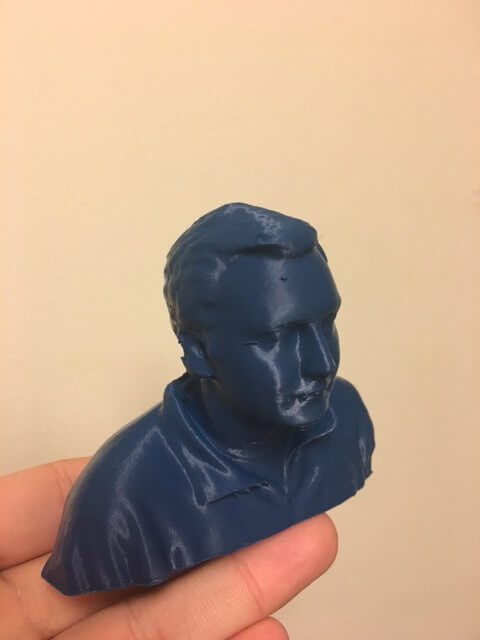
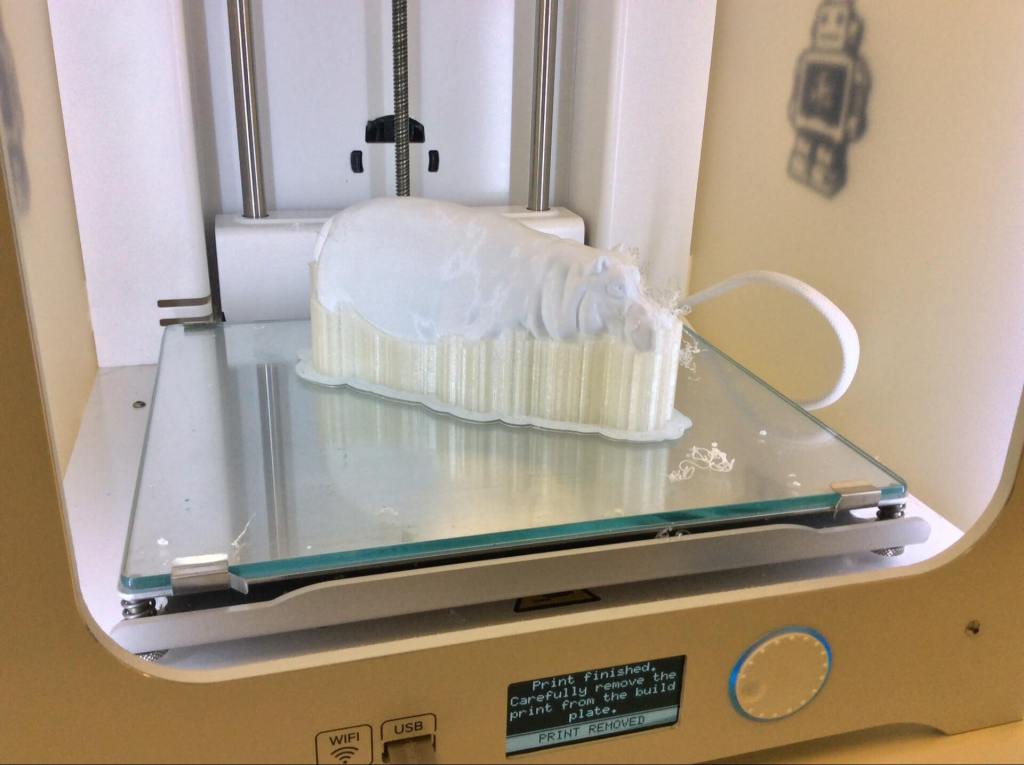
The very first thing you should do when 3D printing is deciding what to print! You can design your own model or choose one already out there. Here at the MakerLab, we encourage first time makers to take a look at Thingiverse.com. Or you can take inspiration from what other makers at the lab have already printed in our Gallery!
2. Software
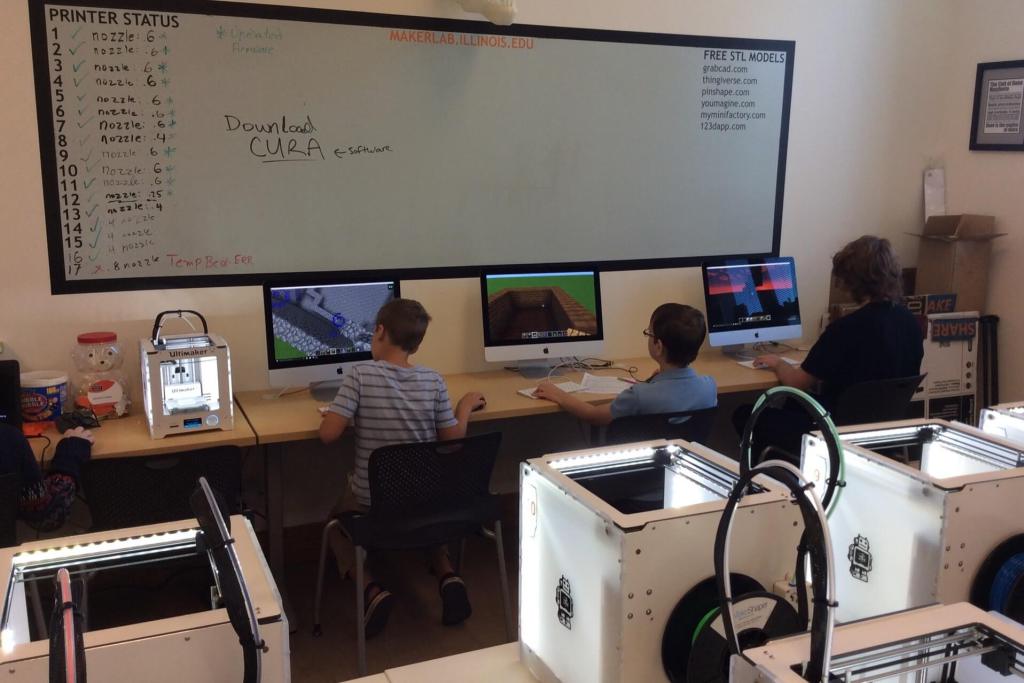
If you choose to design your own model to 3D Print there are many different types of 3D design/modeling softwares to choose from. At the Makerlab, all computers are equipped with TinkerCad or Autodesk Fusion 360. Makers are also known to have used Rhino, or SketchUp. You can also learn some of these software with our workshops. Please make sure when designing that all walls are at least 1mm thick or the printer will not be able to print the model!
We use Bambu Studio for our Bambu Lab printers. Before slicing, ask a Guru to confirm the exact Bambu Lab or Elegoo model, installed nozzle/options, and filament profile. Then inspect the sliced layer preview and material estimate. Layer height, supports, and infill affect the result.
3. Hardware
-
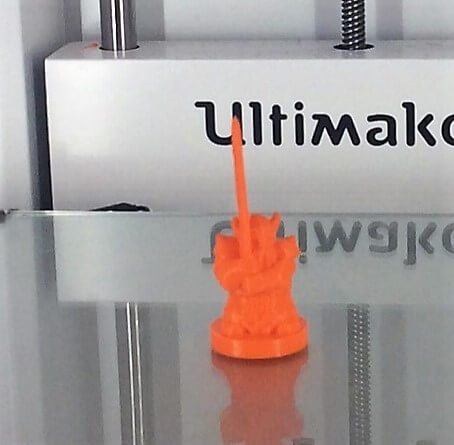
Filament 3D printers: Bambu Lab P1 with AMS 2 combo, Bambu Lab H2D Combo, and Elegoo Neptune Max.
We do not offer resin printing. Available build space, nozzle sizes, and layer settings depend on the printer and job. Contact a Guru with your model dimensions so we can confirm fit and suitable settings before you order.
-
3D Scanners: Kinect for Windows, the Sense Scanner and the Structure scanner (iPad mounted) which are good enough for most object/person scans.
-
Digital Components: Raspberry PI, Arduinos, breadboards, LED's and more (to have some 'digital' fun, such as this project).
-
Seven desktop computers for design work
4. Filament
Choosing your filament does not only mean choosing the color you wish your print to be. There are plenty different types of filament you can choose from. Filament should be chosen regarding what you are printing.
PLA (Polylactic Acid) - The most common filament used at the MakerLab today. PLA is a vegetable based filament. When printing with PLA you should expect a nice, clean print. However, PLA prints are usually more fragile and sensitive to hot temperatures.
ABS (Acrylonitrile Butadiene Styrene) - ABS filament is more flexible than PLA and can stand up to higher temperatures. However, ABS has one downside. It has a problem with the prints curling up on the edges of a print if the heating bed is not hot. When printing with ABS make sure that the build plate is smooth, flat and clean before a print starts.
5. Printing
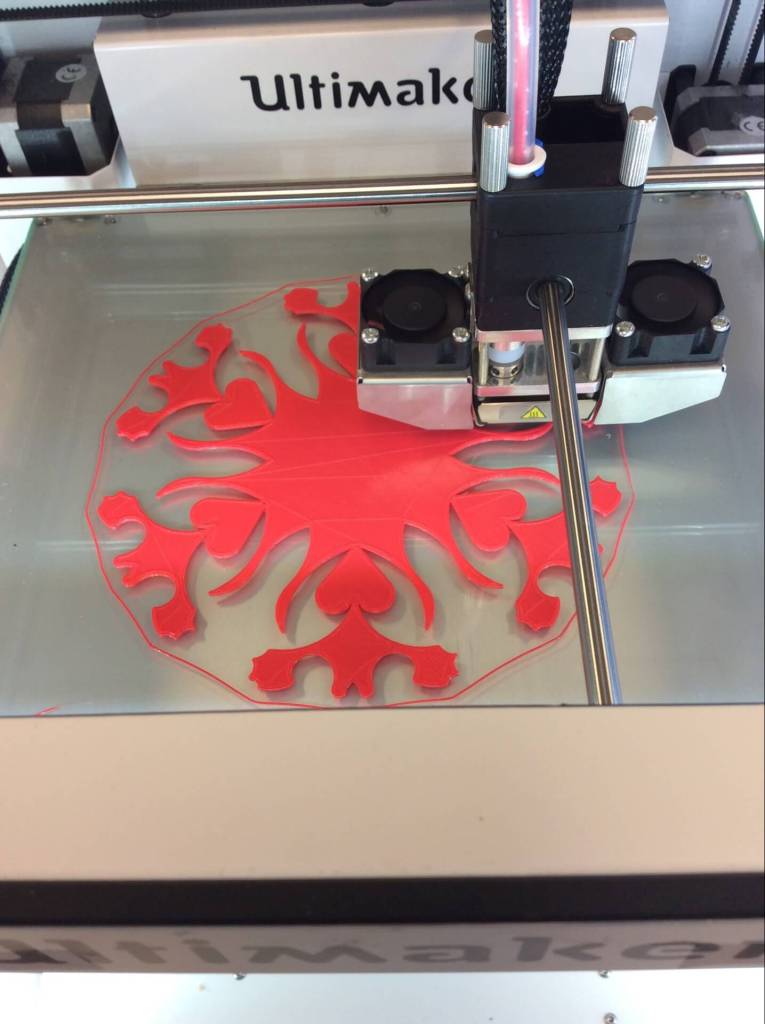
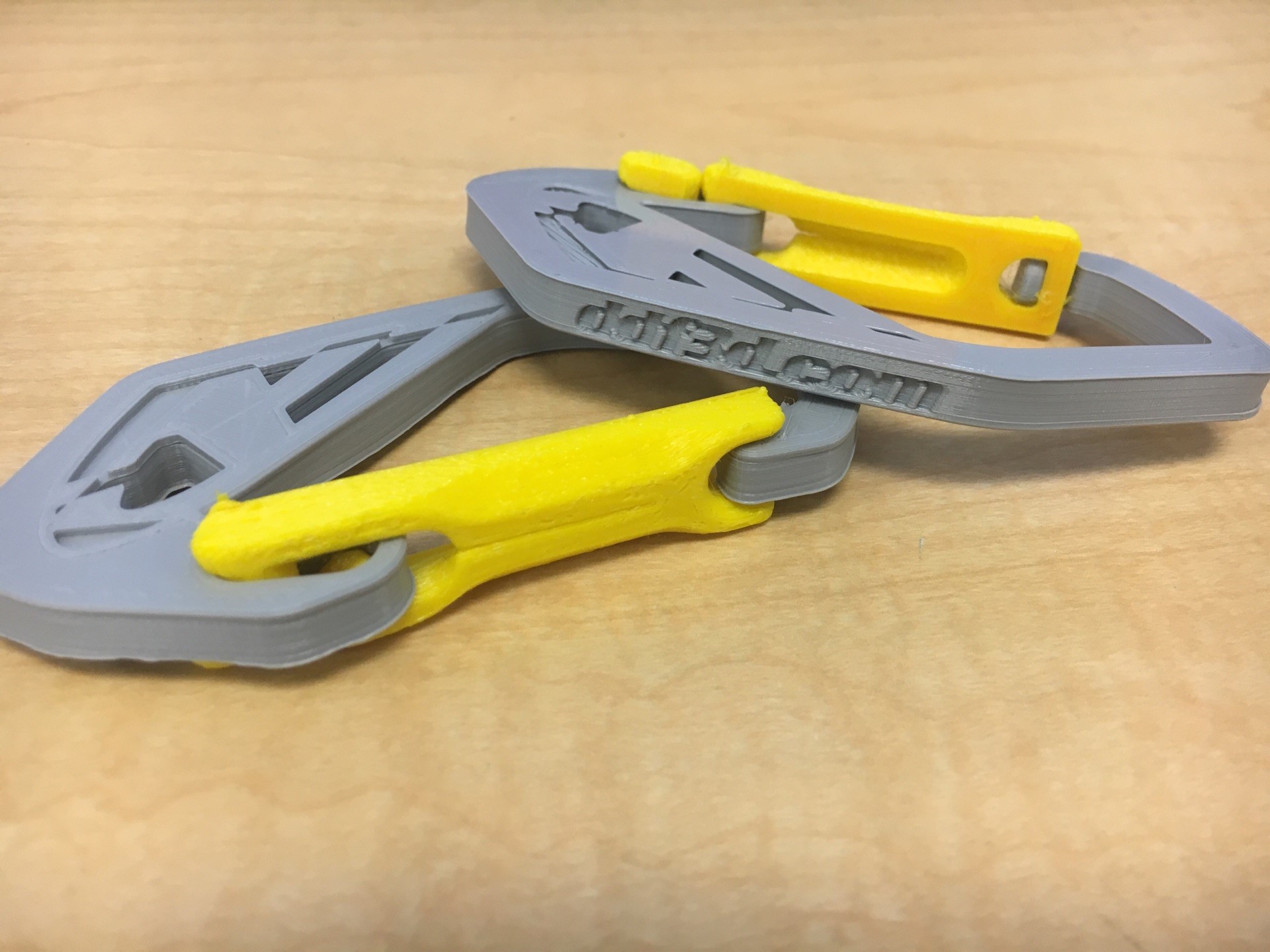
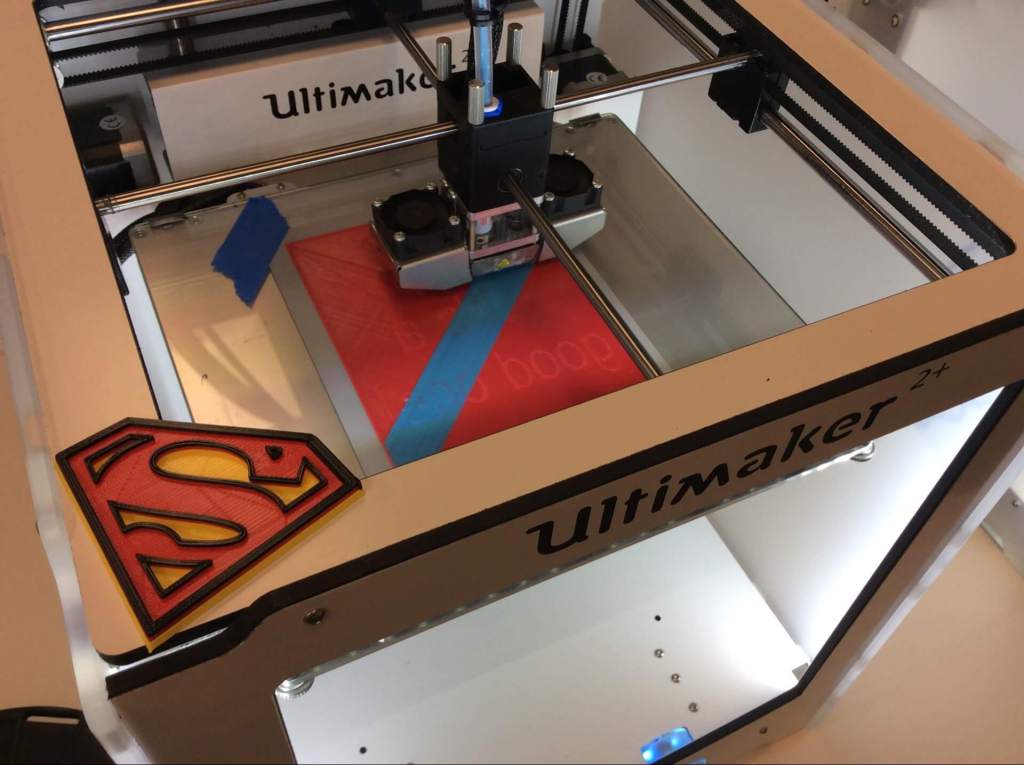
After completing steps 1-4, your print is ready to be printed! Check out what some amazing makers have already created here at the lab.

6. Learn More!
Want to learn more about 3D Printing? Check out this video from 3D Hubs on how to make a successful prototype!
Interested in other areas? Check out our other resources:
- 3D Printing Specialization on Coursera – our own 4-course program
- 3D Printing Basics – UltiMaker
- Learn TinkerCad – free 3D design tutorials
- Sign up for our Workshops